
2026
Yelly
Zero-dependency Windows utility for CoolMode and live hardware telemetry.
- Role
- Designed and built (solo)
- Year
- 2026
- Stack
- C# · .NET · WinForms
Repository (opens in a new tab)
How it works
Watch the hardware
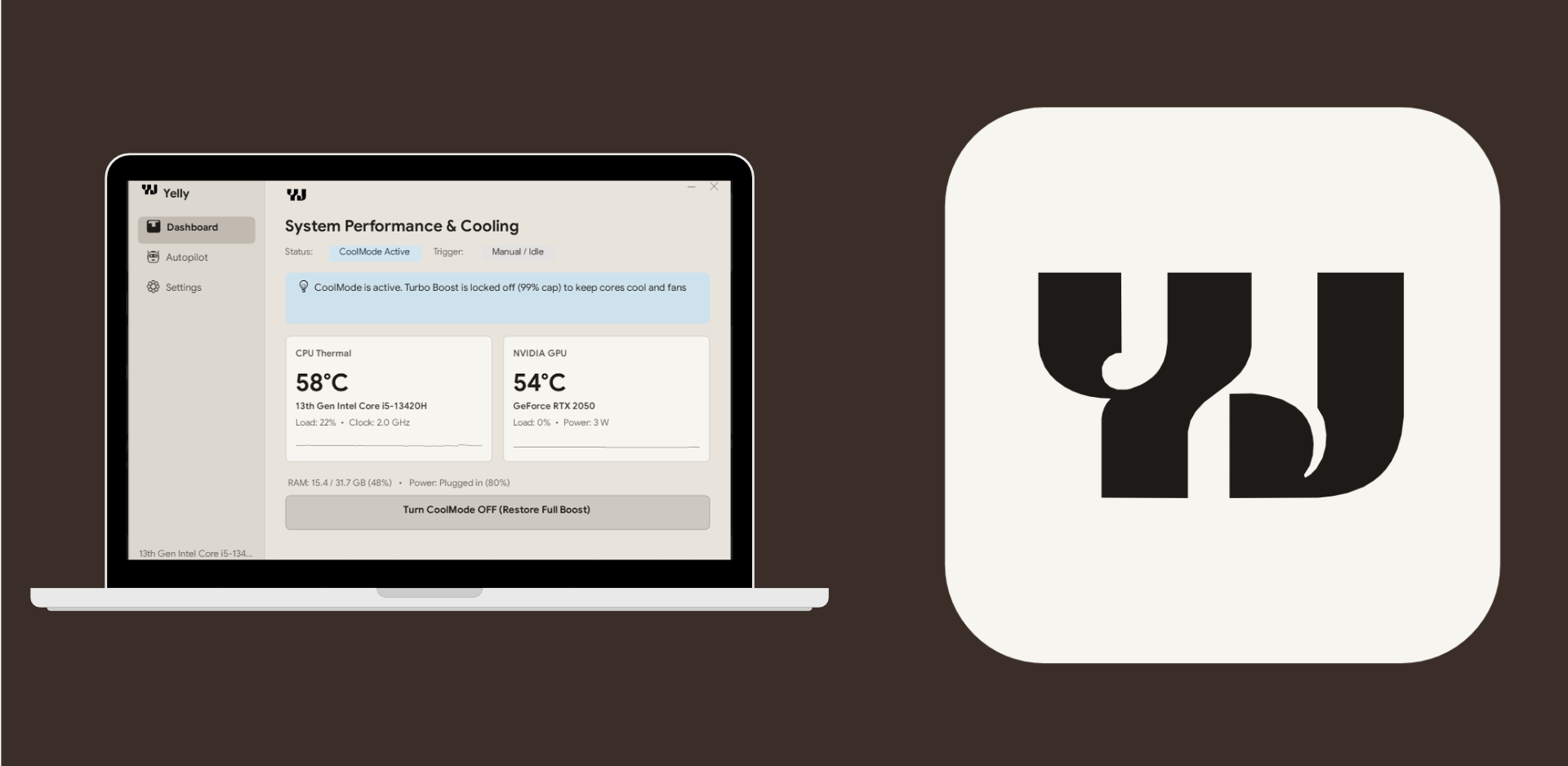
CPU, GPU, memory, and power update on the dashboard and in the tray.
Let Autopilot decide
A running app, battery power, or a heat threshold picks the mode. The first match wins.
Apply the plan
CoolMode caps the processor. Full performance restores boost.
Overview
Yelly is a Windows desktop and tray utility for CoolMode and live hardware temperatures. It does this without a kernel driver, a background service, or bundled telemetry. I designed and built it solo.
Problem
Leaving a laptop in full performance keeps the fan loud and the CPU hot. Apps that switch power modes often install a driver or leave a service running.
Solution
A single executable reads CPU, GPU, memory, and power, then applies a power-plan change. Autopilot can make that change from a running app, from battery power, or from a temperature threshold.
Key features
- Dashboard with a one-click CoolMode toggle
- Live CPU, GPU, memory, and battery readings, with sparklines
- Autopilot rules for apps, battery, and heat
- Tray icon that shows the temperature and the current mode
- Builds with the Windows C# compiler and has no external dependencies
Security notes
The utility stays on the machine. It does not include a kernel driver or a network client. Power-plan changes are local Windows settings.
Outcome
Yelly can show live temperatures and switch CoolMode from the window or the tray, including when Autopilot matches a rule.